Friends, I’ve never used SpecialK before. I downloaded it and I’m trying to use the 4K Texture Pack mod for Nexus, but when I try to open the game it crashes. Does anyone know what the problem might be?
i guess you have something else running that’s causing a conflict.
some apps known to interfere or cause a conflict with sk are nzxt cam, rivatuner/rtss (in the case of rtss, you could try closing rtss before launching the game or setting rtss to “use microsoft detours api hooking” in rtss’s settings under setup → general), razer synapse, medal, maybe some versions of reshade, overwolf’s overlay…
so if your game is crashing, or you can’t open sk’s overlay, or you’re having some problem with sk, you may want to see if you have one of those tools i just mentioned or similar running or if you have some other mod installed in the game’s folder… that could possibly cause a conflict with sk.
i just tried the game with the latest version of sk (version 26.3.21 – which you could get from the special k discord in the nightly-builds channel or from the special k github) and the game didn’t crash here. i’m not seeing any issues with sk.
though on first launch, WITHOUT sk, the game froze for me on a black screen and then had its window stuck on a corner on one of my monitors. i eventually fixed that after changing the resolution in the game’s settings…
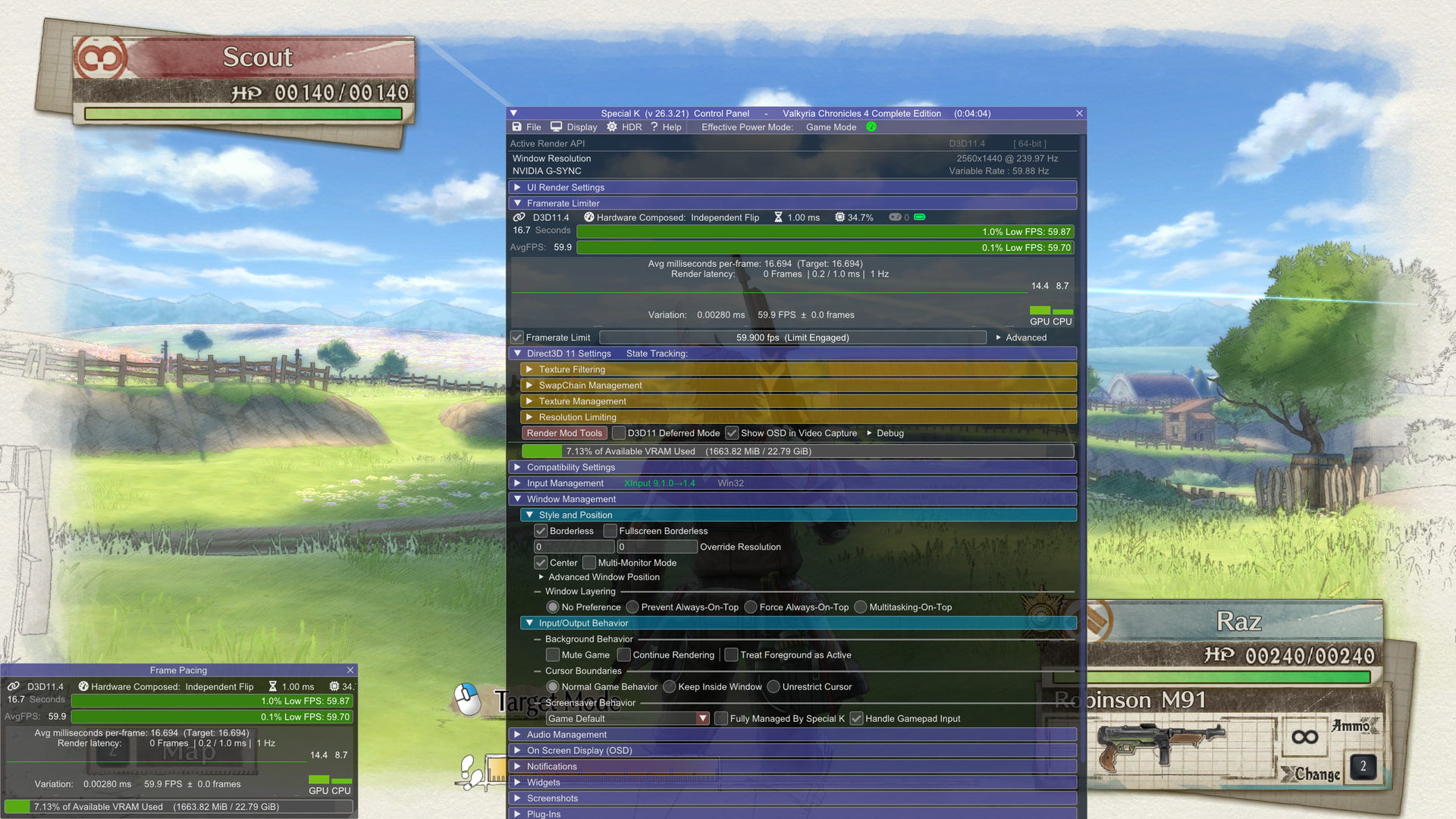
also, i’m not sure what 4k texture pack mod you’re referring to, but here’s the game on my end running with sk (i didn’t add any texture pack):
1 Like
It’s a texture mod to remove the white borders from the screen. I tried disabling RTSS and the Nvidia overlay, but unfortunately the game doesn’t reach the initial screen. The game only works if I remove the dxgi.dll file that came with the mod from the folder, but then the mod doesn’t work. Thank you for taking the time to help me.
hm but earlier you said you’re trying to use the 4k texture pack mod and now you’re saying it’s a texture mod to remove the white borderless from the the screen…
can you link the mod here ? i’m guessing that dxgi.dll that came with the mod you’re talking about is some old version of sk that was packed… or some other mod.
This mod removes the white borders and applies a 4K texture.
https://www.nexusmods.com/valkyriachronicles4completeedition/mods/1?tab=files
is your game cracked or you have some other mod installed too ?
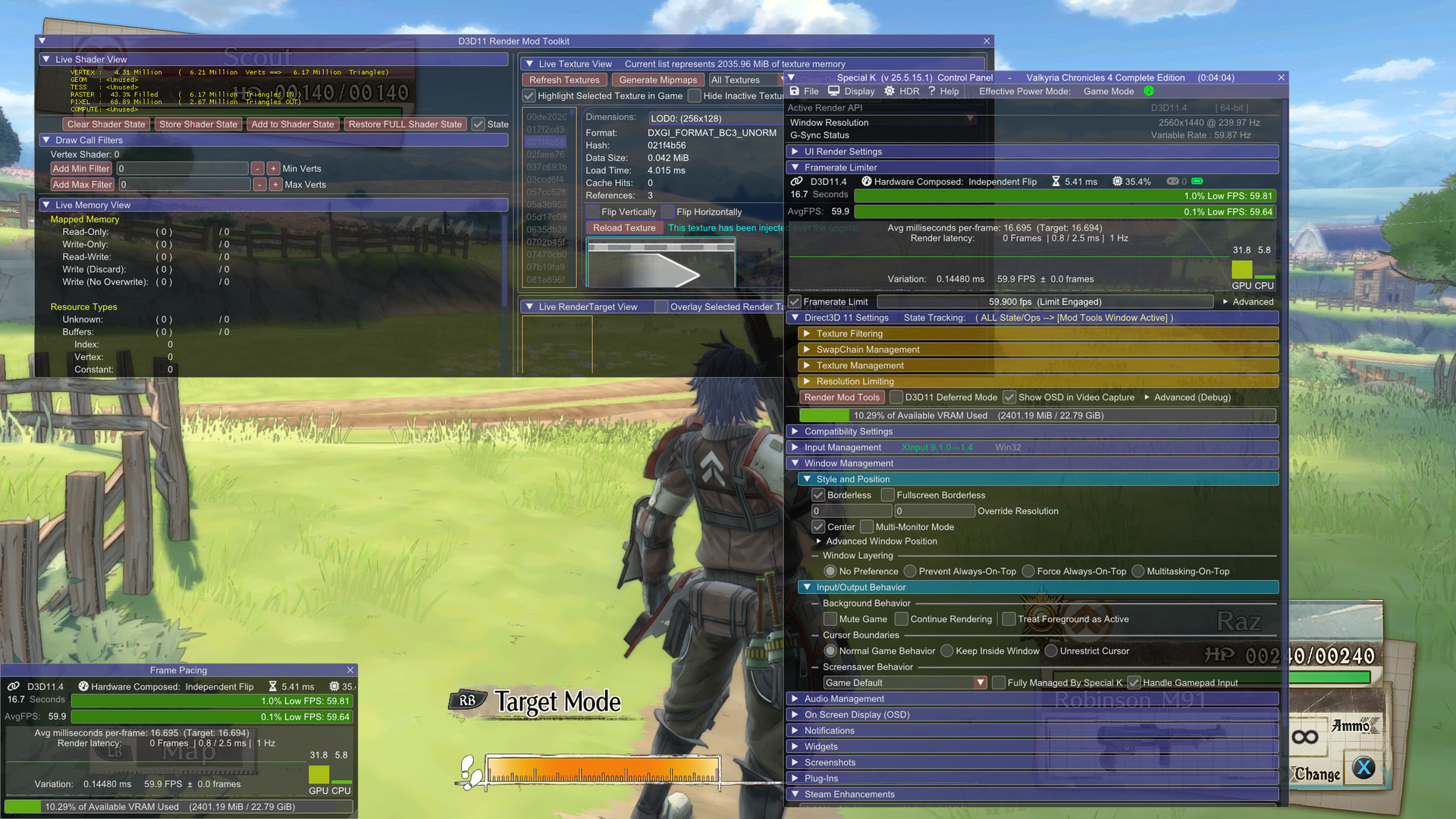
I have the official steam version of the game. also, i just tried that mod you linked and i see no issue.
you just download it, place the files in the game’s folder, and launch the game.
that mod includes an old version of sk… but it works and the white border is removed etc
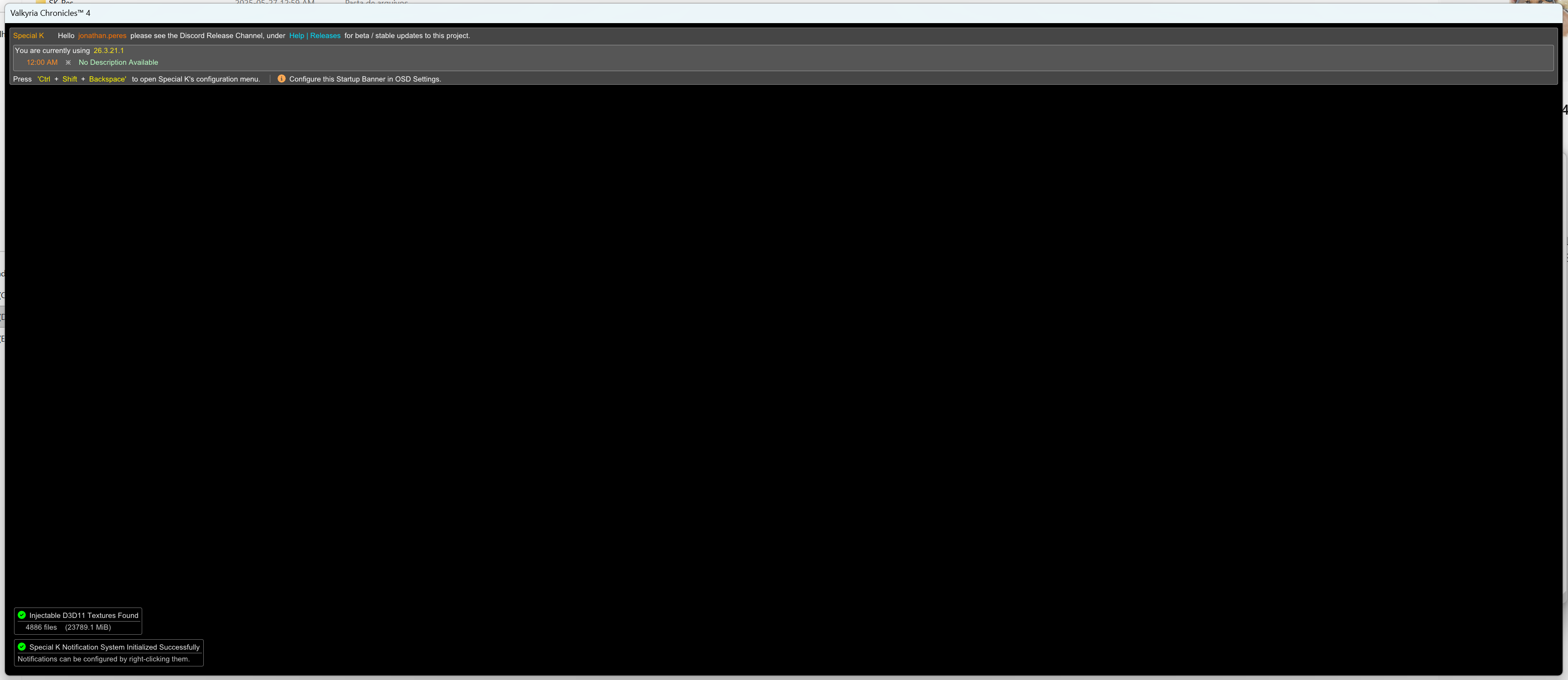
I don’t have any other mods installed, my game is an original Steam copy, I don’t have any cracked games on my PC. I gave up on using the mod; apparently only my PC is having this problem, nobody on the mod’s forum is having the same error. I downloaded the mod, put it in the game folder (D:\SteamLibrary\steamapps\common\VC4), tried opening it directly through Steam and also through the current Specialk, either it crashes instantly, or it doesn’t leave the screen I printed below.. Maybe it’s something with my Windows. Thank you very much for all the time you dedicated testing it for me!
do you have a discord account ? it might be easier/better to continue in the special k discord. there’s a Support channel there too. kaldaien/catgpt, the main developer of special k, is mostly in the special k discord. if you post your specialk.ini (or dxgi.ini), specialk.log (or dxgi.ini), and modules.log there, kal or someone there may be able to find what’s causing your issue.
besides that, you may want to ensure that your game is set to borderless in the in-game settings. i was able to launch it with fullscreen at first too and sk can also work with games using FSO/FSE (not just windowed/borderless), but this game doesn’t appear to have great window management code…
the game does get stuck on a black screen for a bit when i launch it with and WITHOUT special k… and, when i launched it for the first time (without special k) after installing it the other day, the game also got stuck on a corner on one of my monitors.
also, whenever i tried closing it with alt + f4 without sk, the game would freeze for a while here until finally giving up and closing… (whereas alt + f4 works great for me in this game if i’m using sk).
switching the game to borderless in the game’s settings made it behave better for me in general (with and without sk). it’s no longer getting stuck on a corner… though the game still freezes for a bit with a black screen on launch (with and without sk); it then starts working just fine here… without and with the mod you linked.