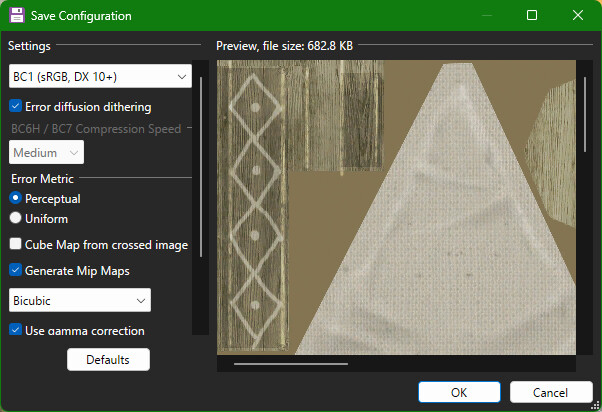
so those are new/modded textures that you saved as .dds and you’re sure you used the correct compression (if the game needs compression for the .dds texture) ? you’re sure that the game accepts different/higher resolution textures (if you’re trying to inject and display different/higher resolution textures) ? and you’re sure that the textures you’re injecting are also actually typeless ?
texture injection can be tricky depending on the game…
if you’re using compression or the game requires it… you may need to use the same compression/format (when saving a new .dds texture) that the game uses for the original texture that you’re replacing.
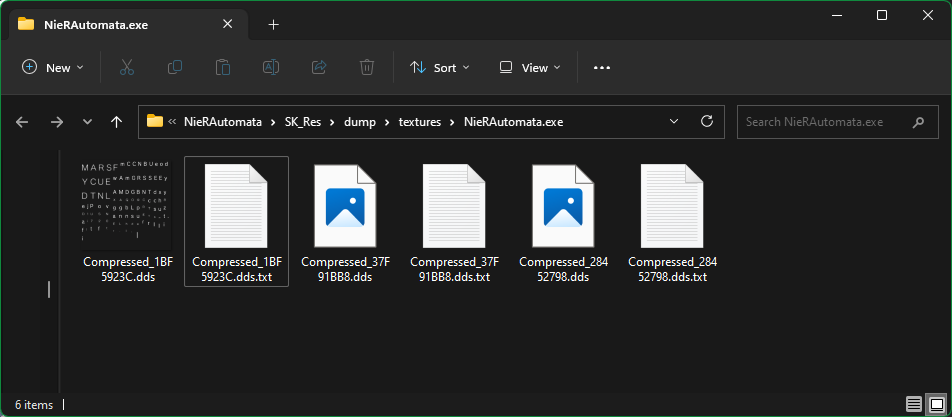
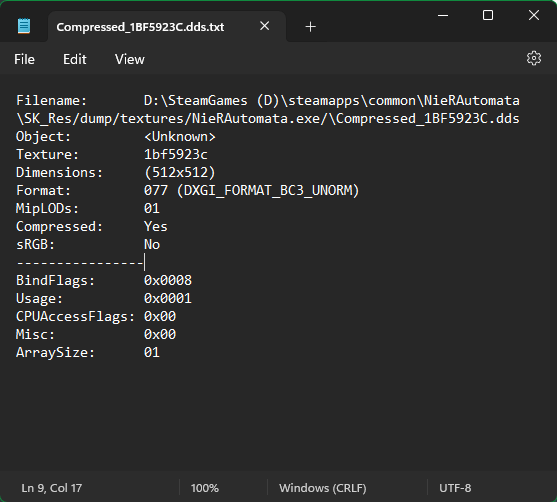
when you dump a texture with sk, it normally also dumps a .txt file with info about the texture too.
for example:
in this example, we can see that BC3 is listed and so we may want/need to use bc3 compression/format when saving a new .dds file:
with some games, we may need to match even the resolution (the game Nier Replicant is one example), so then in that case you basically can’t have upscaled/higher resolution texture mods.
a game may also allow injecting .dds textures uncompressed. the game Tales Of Berseria is one example that allows uncompressed in my experience.
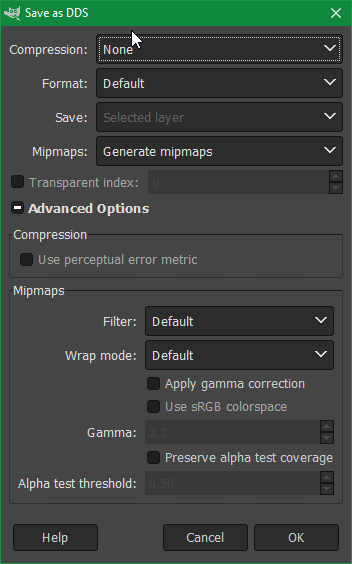
this is what i’ve used (with gimp) to save uncompressed .dds textures to inject in Tales of Berseria for example:
i typically try to inject uncompressed and see if that works. if it doesn’t, then i try to match what the game is using and hope it works basically.
typeless is another factor. i do know special k could inject and have the game display typeless .dds textures.
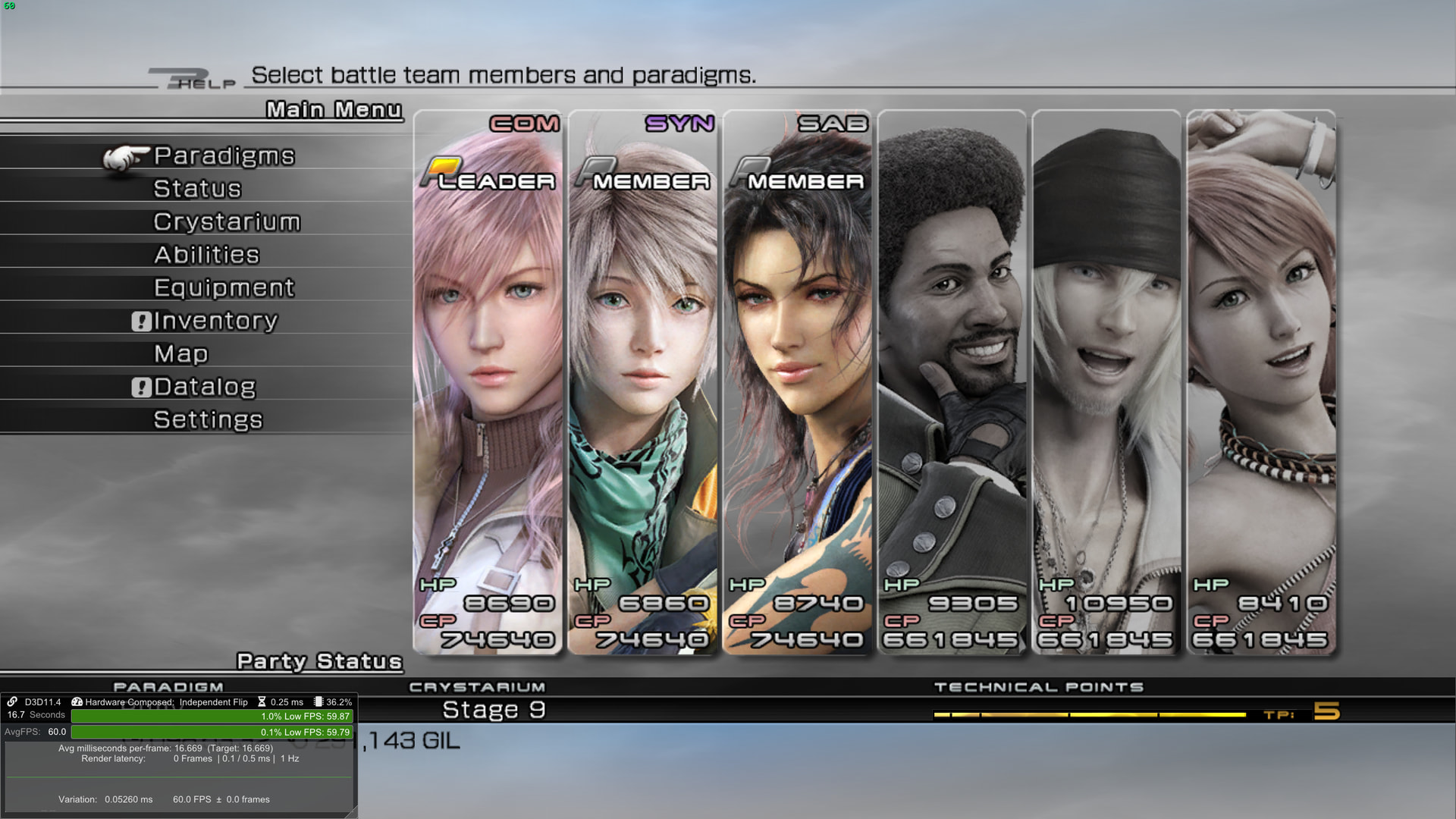
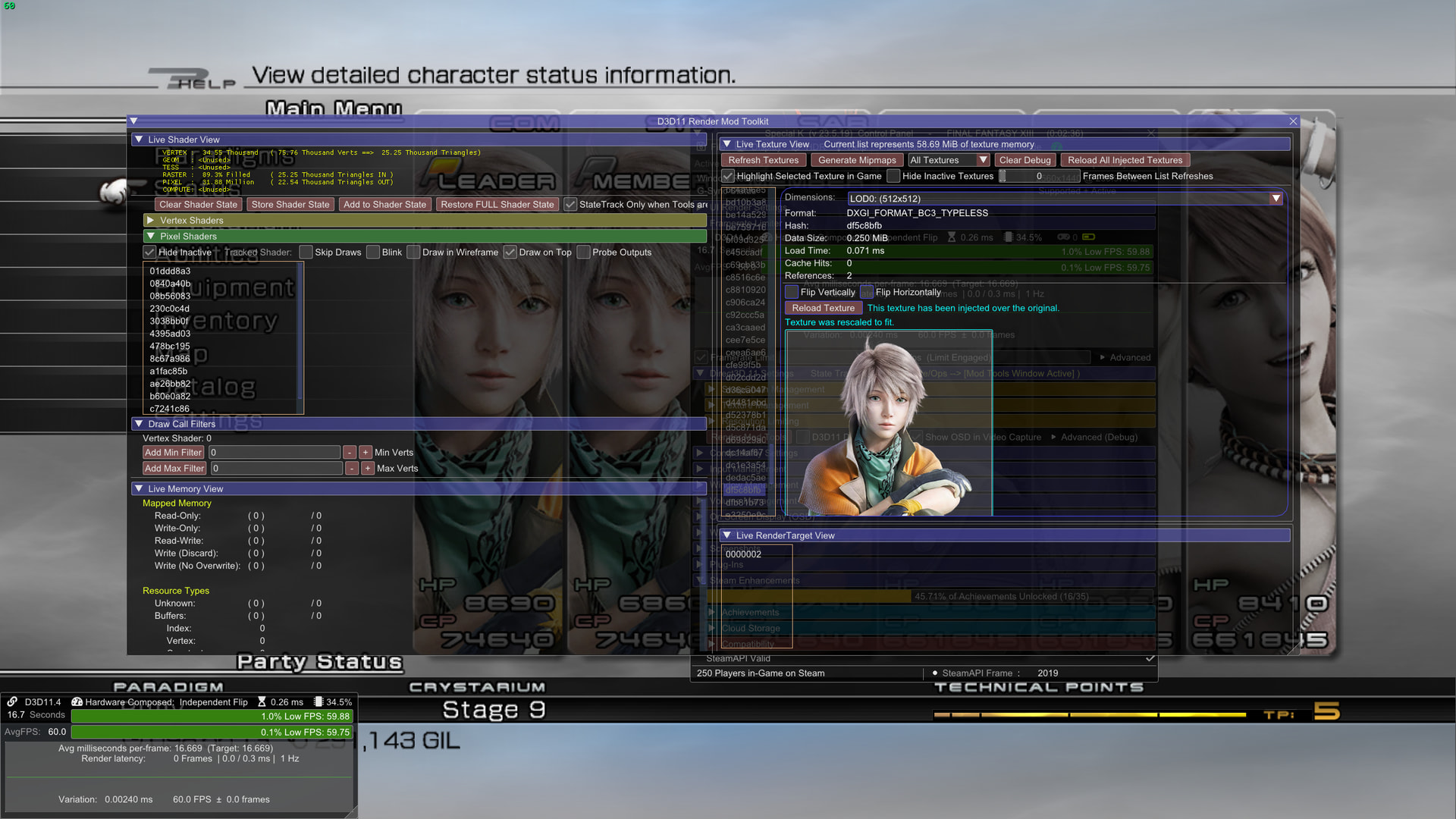
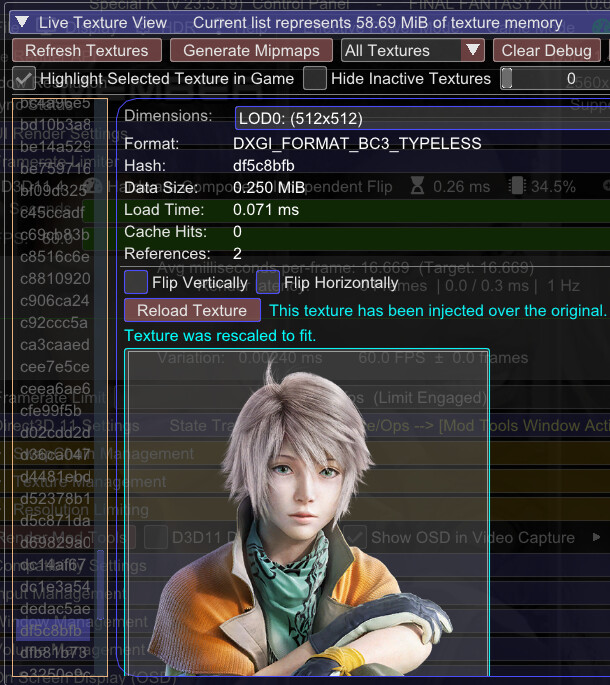
i’ve done it in the game Final Fantasy 13 while also using dgvoodoo2 (to basically convert the game from d3d9 to d3d11); however, i haven’t looked into making a texture typeless when/after saving a new .dds texture. i’ve simply dumped 2 different but similar textures that were next to each other in the game’s menu and then injected one so that it’d be displayed over the other (by simply renaming the .dds file so that it’d use the same hash/file name as the one i’m replacing… and making sure that’s in the correct folder).
for reference:
so there i didn’t need to make a texture typeless since it was already typeless. i dumped it and injected it back with another hash/file name so that it’d show on a different area. the requirements were met, so the the game displayed the texture.
i’m not aware of an image editor where you can specify making a .dds texture typeless (and i did try injecting into ff13 a texture that wasn’t typeless, and that didn’t work for me… so typeless might be needed for ff13 at least if the originals being replaced are typeless). you might need to hex edit a texture to make it typeless (i’ve never tried that…) or try keeping the _TYPELESS suffix and sk might make it work. i believe there was an sk update that was supposed to make that work.
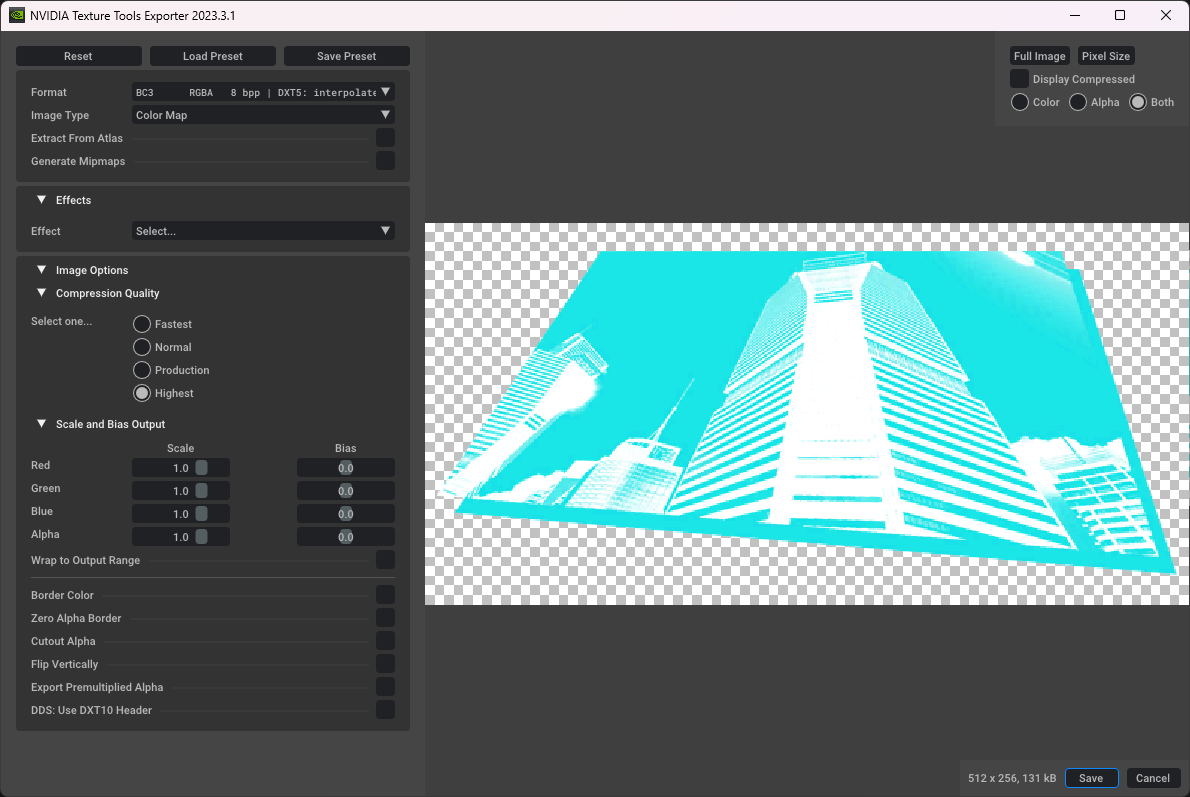
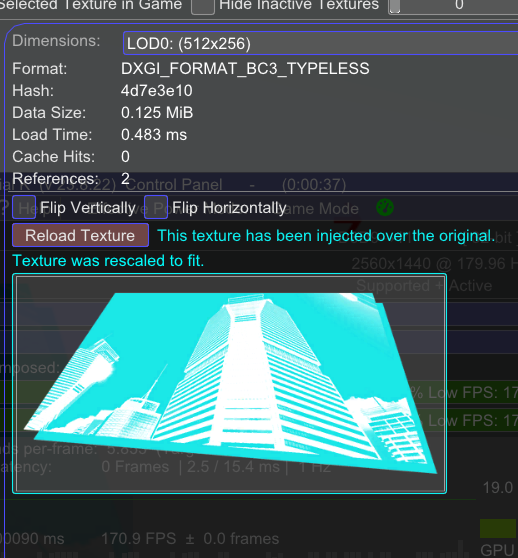
beyond that, someone in the special k discord apparently also used the following settings with nvidia’s texture tools to inject and display a texture that they edited and it showed up as typeless:
however, they also said that injected texture was only showing up for them in that game if they kept it at the same resolution as the original. an upscale/higher resolution version would not get displayed on their end…
also i believe someone else was able to inject a texture (that was dumped as typeless) without issue in another game after editing it and saving it as BC7 or BC1 AND sRGB even though sk showed that the original was BC1 for format and not sRGB… their game apparently accepted it when set to sRGB… so maybe play with the different settings some more when saving the new .dds file. you could also try with the paint.net app if you haven’t…
oh and there are games that overwrite their textures… and thus those games may load copies with fewer mipmaps and add them to another texture with more mipmaps. in such a case where a game is like that, for example, there’s no guarantee that the 256x256 version of the texture that you dumped and modified isn’t just a resolution-reduced version of a 512x512 texture that it’ll load up later in the game for a special scenario like cutscenes or something…
in short, texture injection can be tricky depending on the game or various factors.
with some games, you could save as .dds uncompressed, place the .dds texture in the correct folder for injection (SK_Res\inject\textures), and launch the game with sk. done. it’d get automatically loaded and automatically displayed by the game…
but there are also games where you have to also set the texture to a certain format when saving the .dds file and higher resolution textures can work with some games and not others… (injected higher resolution textures would get displayed with the game Nier Automata, but they wouldn’t get displayed with the game Nier Replicant. the game Nier replicant displayed injected textures if they matched the resolution of the originals that are being replaced).